
Attendance systems for your team.
Plan attendance devices for your team, with enrolment, shifts and reporting needs checked before choosing fingerprint, face or card-based options.
What biometric attendance can include
The right device and software setup depends on users, shift rules, reporting needs, power, network and privacy responsibilities.
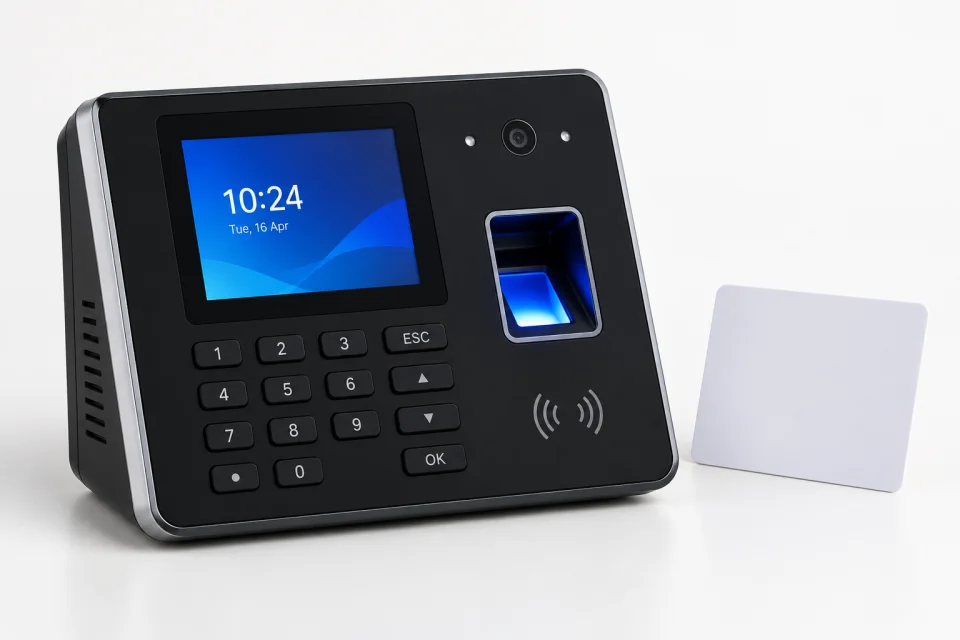
Fingerprint, face, card or PIN attendance
Choose a suitable attendance method according to the workplace, user count and daily usage.
See what this includes
- Fingerprint devices can suit many office and factory setups.
- Face attendance can reduce touch-based use where suitable.
- Card or PIN options may support selected users or backup workflows.
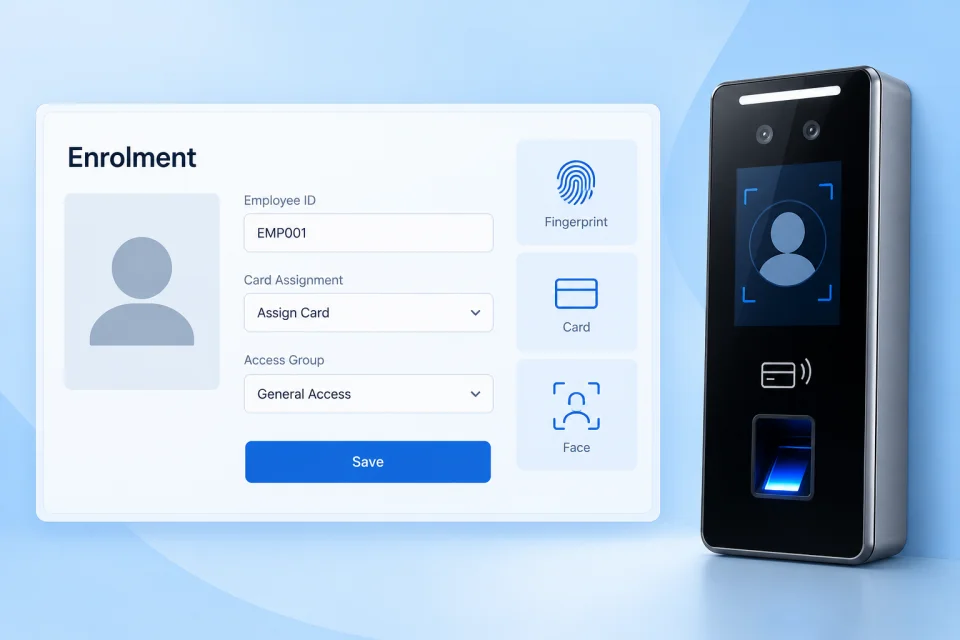
User enrolment and permissions
Add staff, departments and authorised users so attendance records can be managed properly.
See what this includes
- Enrol users according to the selected device method.
- Set user roles for people who can view or export records.
- Remove or update users when staff changes.
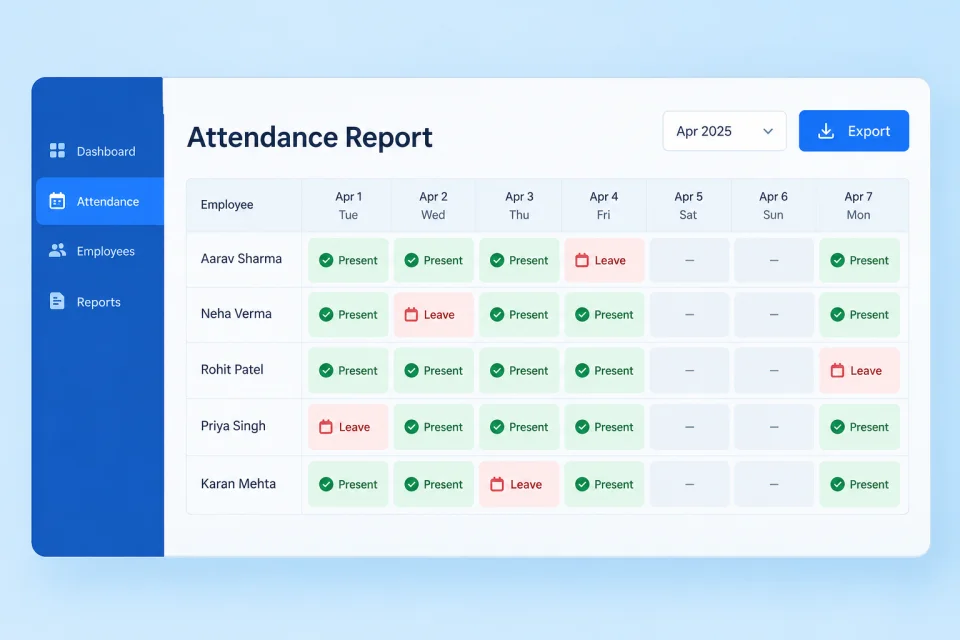
Reports and exports
Review attendance records and available exports for payroll or admin follow-up.
See what this includes
- Available reports depend on the selected device and software.
- Shift rules, holidays and late marks should be discussed before setup.
- Software integration is confirmed only after compatibility is checked.
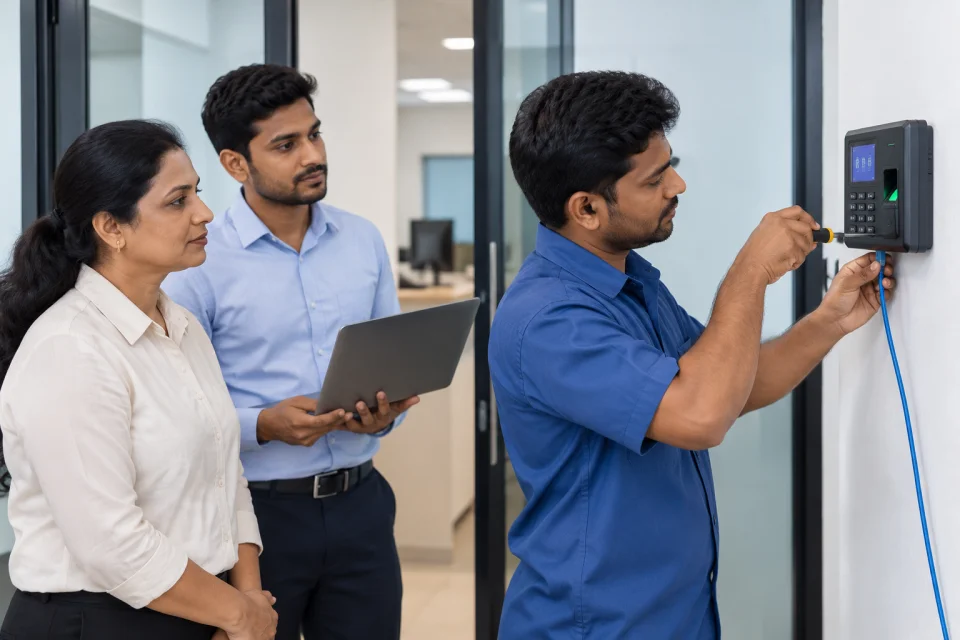
Installation and connectivity
Install the device, connect power or network where needed and test attendance capture.
See what this includes
- Device location should be easy for staff to use.
- Power and network conditions are checked before installation.
- Backup and offline behaviour depend on the chosen device.
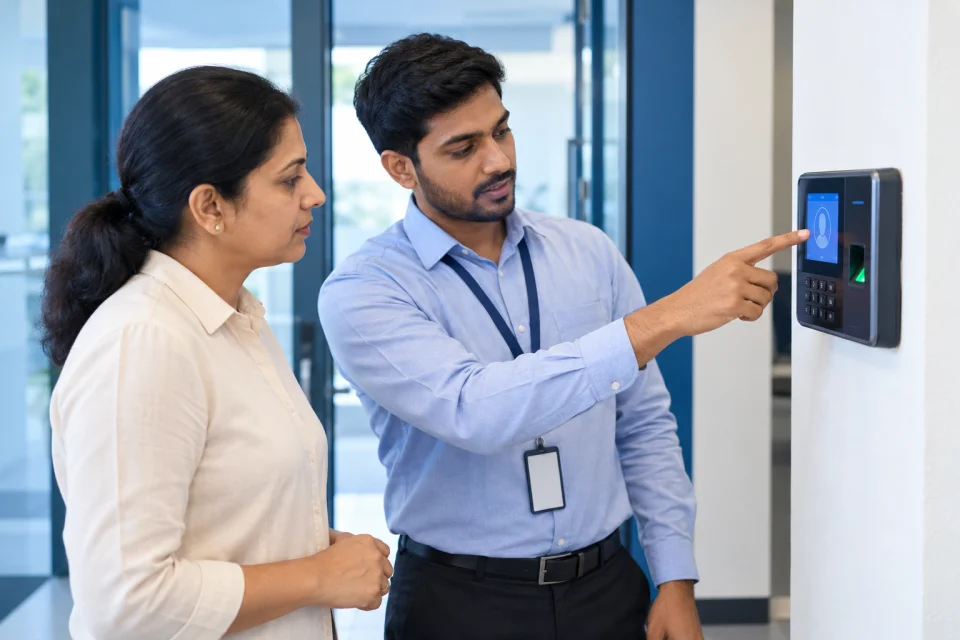
Training and support
Train nominated users and include warranty, troubleshooting or AMC when required.
See what this includes
- Explain enrolment, reports and basic device care.
- Support can include troubleshooting, configuration review and maintenance.
- Privacy and employment responsibilities remain with the organisation.
Need help choosing the right option?
Request a callback and we will help you explore the options. You can also call us or chat on WhatsApp.
Biometric attendance supply, installation and support is available at supported sites in Bihar. Other locations can be discussed according to scope.
Government and GeM-ready requirements.
Discuss your procurement requirement with us. We confirm site needs, listing availability, installation, handover and support before purchase.
Discuss a government requirementGovernment and institutional needs
Plan attendance requirements around staff count, device method, user enrolment, reporting needs, installation and handover.
Available on GeM
PropelXP is available on the Government e Marketplace (GeM) for eligible procurement needs. Product category, listing availability and order scope are confirmed for each requirement.
Clear scope before purchase
We document equipment, installation, configuration, training, warranty and support responsibilities so the buying team knows what is included.
From staff needs to attendance records.
The proposal records the device, software, users, reports, warranty and support.
PropelXP supports biometric attendance planning, setup and training across Bihar.
-
01
Understand users
We review staff count, shifts, departments, reporting needs and device location.
-
02
Choose device
We suggest suitable fingerprint, face, card or PIN options and explain the setup.
-
03
Install
We install the device, enrol users and configure available settings.
-
04
Support
We explain reports, exports, basic use and agreed support responsibilities.
Have a requirement in mind?
Questions before you decide.
Use these answers as a starting point. The final recommendation depends on your requirement.
Should I choose fingerprint or face recognition for attendance?
Can biometric attendance reports be exported?
Can biometric attendance connect with payroll software?
Who manages data in a biometric attendance system?
What should I prepare for Biometric Attendance Solutions?
What should the Biometric Attendance Solutions proposal include?
How does PropelXP agree delivery and support for Biometric Attendance Solutions?
Request a callback.
Leave your name and number. We'll call to discuss what you need and help you plan the next step.