
Security systems for your site.
Plan CCTV, attendance and access systems for supported sites in Bihar. We confirm survey, installation and support requirements first.
What shapes the right security setup
We check coverage, daily use, storage and support needs before proposing equipment and installation work.
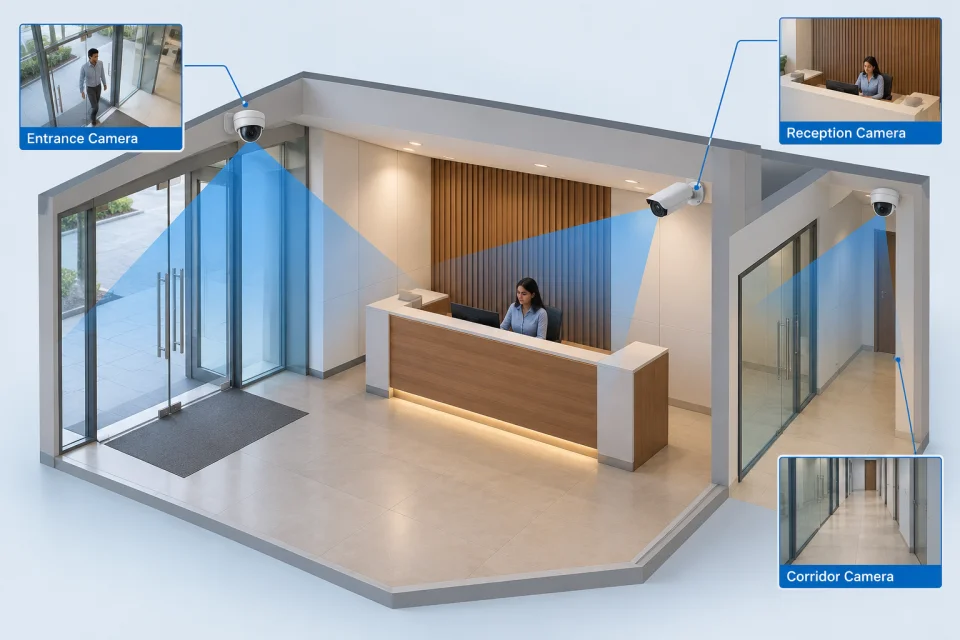
Purpose and important areas
Confirm what needs to be observed, recorded, managed or restricted before deciding where equipment belongs.
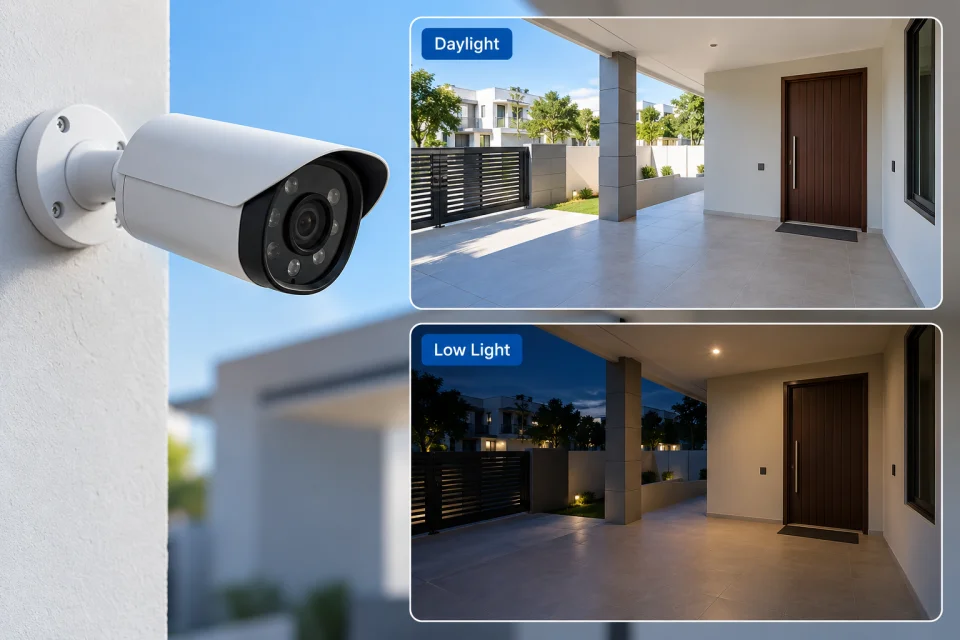
Lighting and viewing conditions
Check daylight, low-light areas, glare, weather exposure and viewing distance so camera selection reflects the real environment.
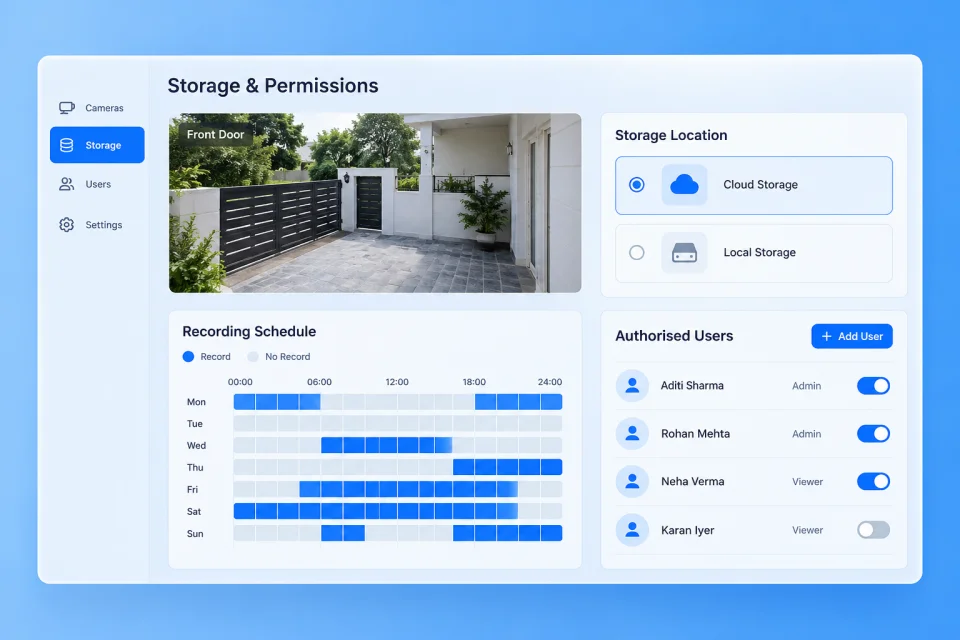
Recording period and access
Agree how long recordings may need to be kept and who should be authorised to view, search or export them.
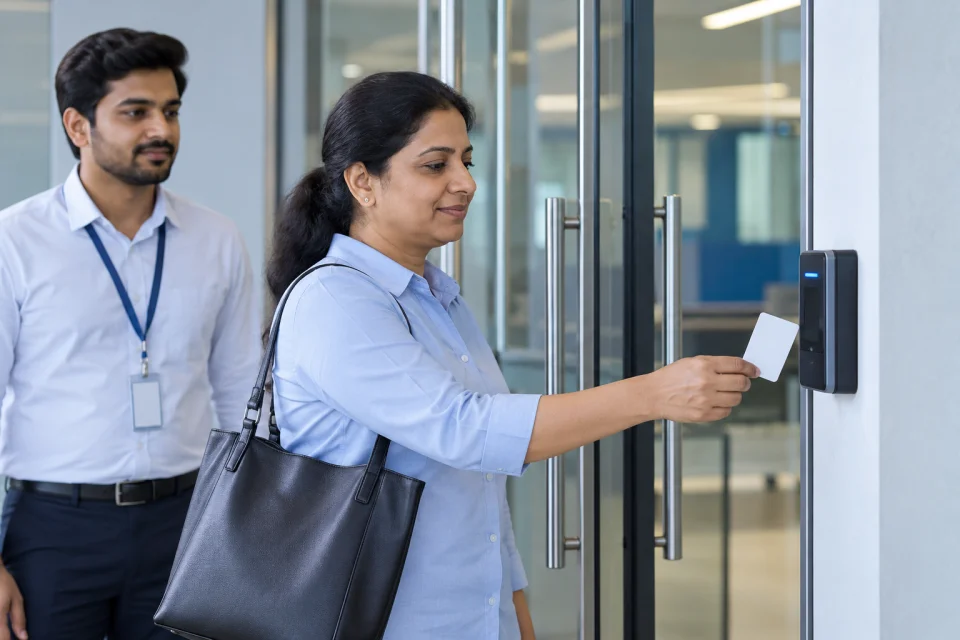
People and entry rules
Identify who will use attendance or access equipment, which doors or areas matter and how permissions will be managed.
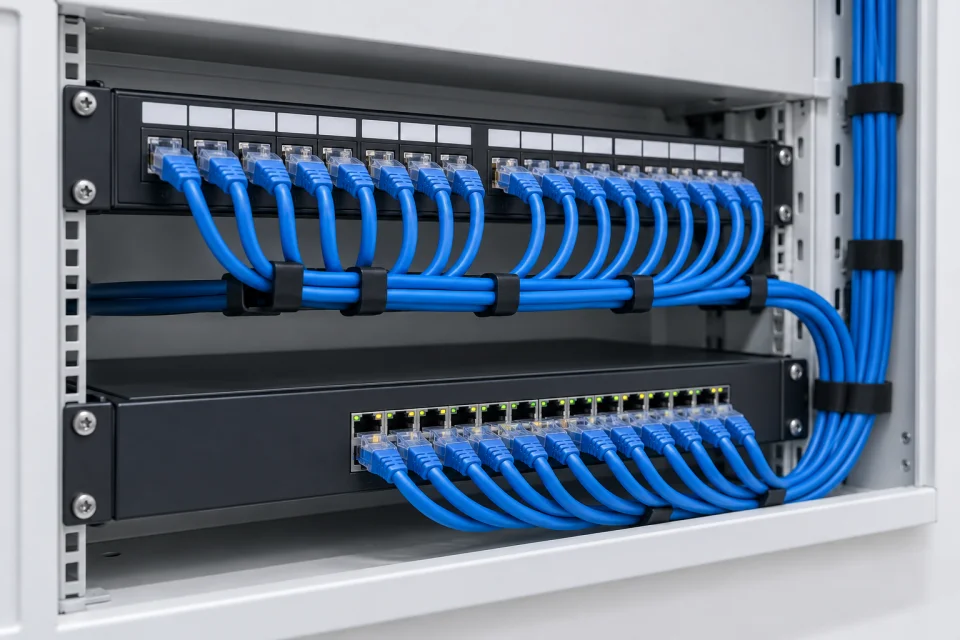
Power, cabling and network
Review practical routes, available power, network conditions and backup needs before confirming the installation plan.
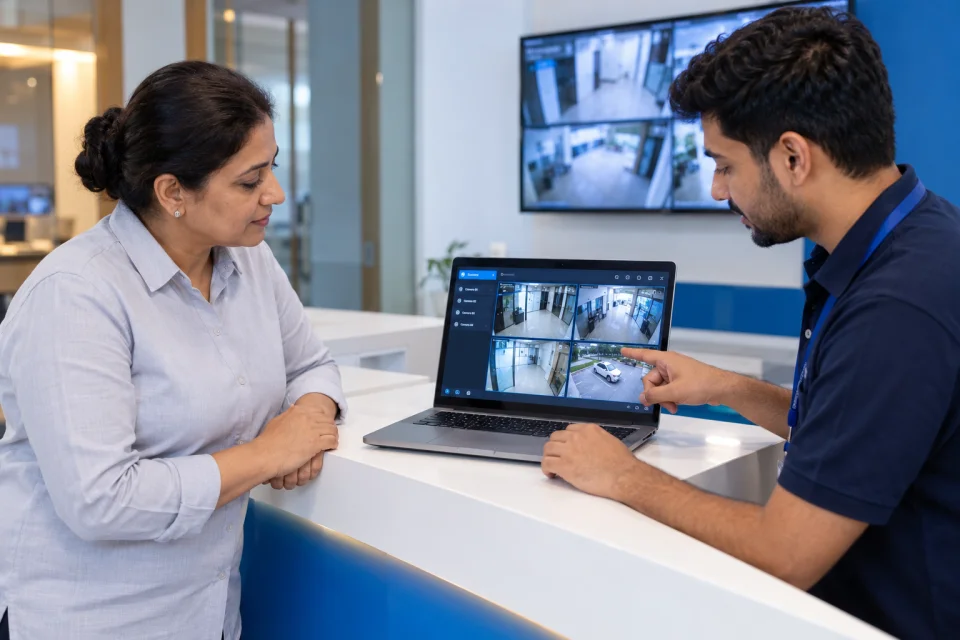
Training and ongoing care
Decide who needs training and whether warranty coordination, periodic checks, repairs or an AMC should be included.
Where better security can help.
Need help choosing the right option?
Request a callback and we will help you explore the options. You can also call us or chat on WhatsApp.
Installation is available at supported sites in Bihar. Discuss other locations with us so we can confirm arrangements.
Security solutions by requirement.
Start with the closest requirement. We can discuss connected systems when your site needs more than one solution.
Security solutions for government organisations.
We help government teams plan site surveys, equipment, installation and support, with listing availability and procurement scope confirmed first.
Discuss a government requirementGovernment requirements
Plan CCTV surveillance, attendance or access-control work around the site, users, procurement process and approved scope.
Available on GeM
PropelXP is available on the Government e Marketplace (GeM), giving eligible government buyers an established public procurement channel. Product category, listing availability and order scope are confirmed for each requirement.
Clear scope and documentation
Record the agreed equipment, installation, configuration, training, warranty and support responsibilities before delivery begins.
From site needs to system planning.
Use this page to choose the right security solution before the detailed proposal is prepared.
PropelXP helps homes, businesses, institutions and government organisations across Bihar.
-
01
Share the need
Tell us what you want to secure, record or manage at the site.
-
02
Review the site
We check property type, key areas, users, entry points and support needs.
-
03
Choose the path
You get a clear direction for CCTV, attendance, access control or a combined setup.
-
04
Plan delivery
The detail page and proposal guide equipment, installation, training and support.
Have a requirement in mind?
Questions before you decide.
Use these answers as a starting point. The final recommendation depends on your requirement.
Can PropelXP provide CCTV surveillance without access control?
How does PropelXP decide where cameras should be installed?
Can PropelXP work with an existing CCTV system?
How much storage does a CCTV recording system need?
Can remote viewing be included with CCTV surveillance?
Is a biometric attendance system the same as access control?
Can attendance reports connect with existing software?
Does PropelXP provide maintenance for surveillance and access systems?
What should I prepare for Surveillance & Access Systems?
What should the Surveillance & Access Systems proposal include?
How does PropelXP agree delivery and support for Surveillance & Access Systems?
Request a callback.
Leave your name and number. We'll call to discuss what you need and help you plan the next step.
Guides for your service
I cannot see one of my CCTV cameras. What should I do?
Check whether the problem affects one camera or all cameras, and whether it happens on your phone, your local screen or both.
How do I add or remove a person from attendance or door access?
First confirm who in your business is allowed to approve the change. Attendance records and permission to open a door may need different changes.